Creating a clutter-free home office is essential for improving productivity, reducing stress, and maintaining a professional environment for remote work. Whether you have a dedicated room or a small corner of your home, organising your workspace efficiently can make a big difference in how you feel and perform your tasks. Here are some helpful tips to guide you in setting up and maintaining a neat, organised home office.
1. Start with Decluttering
Sort and Purge
Before arranging your home office, take time to declutter. Sort through papers, stationery, gadgets, and old documents. Ask yourself if you really need each item. Recycle or shred unnecessary paperwork and donate or discard anything you don’t use.
Keep Only Essentials
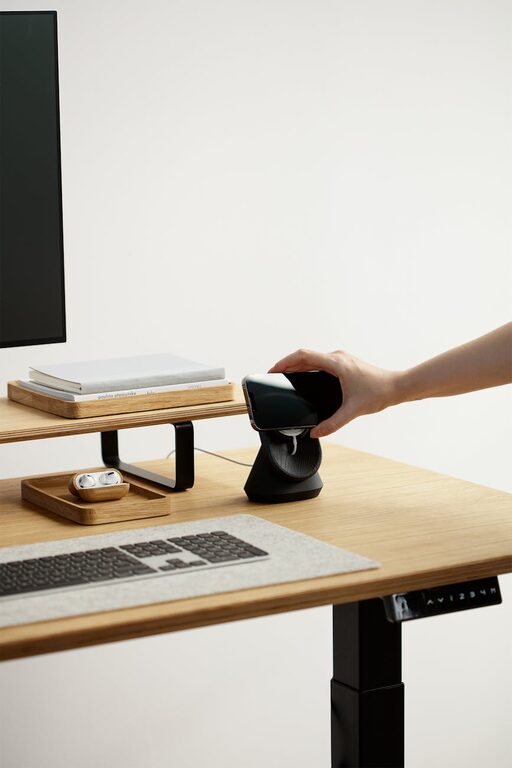
Limit your desk surface to essentials like your computer, notepad, and a few pens. Less visual clutter means fewer distractions, allowing you to concentrate better.
2. Choose Smart Storage Solutions
Invest in Organisers
Use drawer dividers, file organisers, and desktop trays to keep similar items together. This not only makes things easier to find but also discourages piling up of miscellaneous items on your desk.
Shelving and Cabinets
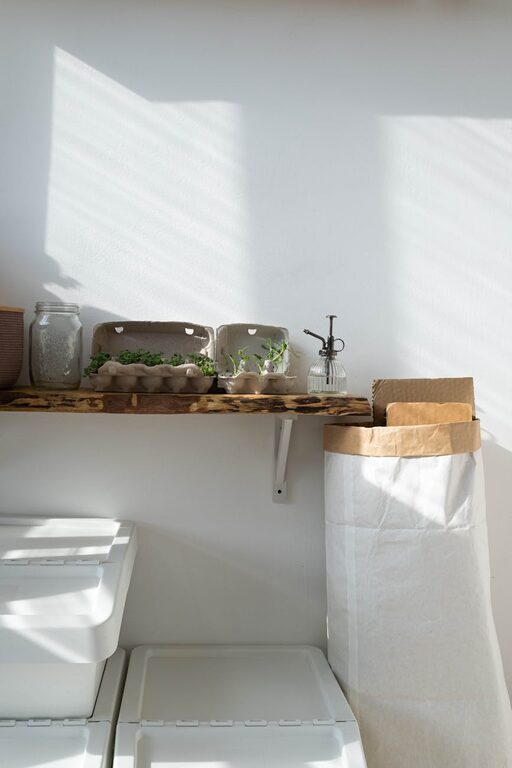
If space allows, install shelves or use cabinets to store books, binders, and other bulkier items. Label boxes or folders for quick identification.
Cable Management
Tangled wires add to clutter and chaos. Use cable clips, sleeves, or boxes to keep cords organised and out of sight.
3. Designate Zones for Different Tasks
Creating specific zones within your home office can help keep things orderly. For example, have a separate area for printing and filing, a main workstation for daily tasks, and a supply zone for stationery.
This zoning approach minimises clutter spreading across your workspace and helps you stay organised.
4. Maintain a Clean Desk Policy
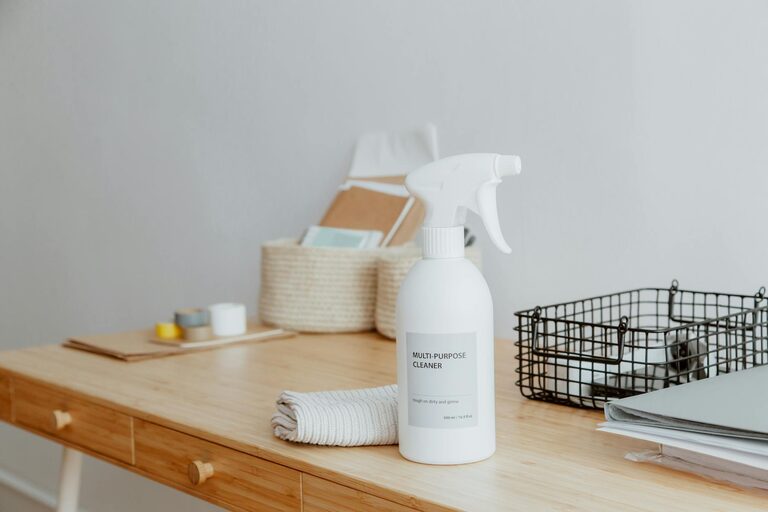
At the end of each day, take five minutes to tidy your desk. Put away items that aren’t used daily and file any loose papers. Regularly wiping down surfaces keeps the area inviting and free from dust.
5. Optimise Lighting and Ergonomics
A bright, well-lit space reduces eye strain and makes the office pleasant to work in. Use natural light when possible, and add desk lamps for darker days. Ensuring your chair and desk height are comfortable also encourages good posture and reduces fatigue.
6. Use Digital Tools to Cut Paper Clutter
Scan important documents and store them securely on your computer or cloud storage. This cuts down on paper piles and makes your files easier to search through.
7. Personalise Without Overloading
Adding a few personal touches like a plant, photo frame, or artwork can make your office feel more inviting. Just keep these decorations minimal to avoid overcrowding your workspace.
8. Schedule Regular Reviews
Every month or so, spend time reviewing your office setup. Reassess what’s working, discard unused items, and reorganise as needed. Continuous care ensures your home office remains an efficient, clutter-free space.
—
Organising a clutter-free home office does not have to be overwhelming. By following these practical tips, you can create a workspace that fosters productivity and comfort. Remember, the goal is to make your office work for you – tidy, efficient, and inviting. Happy organising!
About the Author