Creating a productive home office environment is essential for maintaining focus and efficiency when working remotely. Whether you’re a freelancer, remote employee, or running your own business from home, setting up the right space can make a huge difference in how well you work and how comfortable you feel throughout the day.
In this post, we’ll explore practical tips and ideas for designing a home office that supports your productivity and keeps distractions at bay.
Choose the Right Location
One of the first steps to building a productive home office is selecting the ideal spot. Ideally, your workspace should be:
– Quiet and low traffic: Choose a room or corner away from noisy areas to minimise interruptions.
– Well-lit: Natural light is best, so position your desk near a window if possible.
– Comfortable temperature: Avoid spots that get too hot or cold during the day.
– Separate from relaxation zones: Try not to use your bed or sofa as your main workspace.
Setting clear boundaries between your work area and living space helps your brain switch into ‘work mode’.
Invest in Ergonomic Furniture
Comfort and posture play a big role in how long and effectively you can work. Consider these furniture tips:
– Desk height: Your desk should allow your elbows to rest comfortably at roughly 90 degrees when typing.
– Ergonomic chair: Choose a chair with lumbar support that encourages good posture.
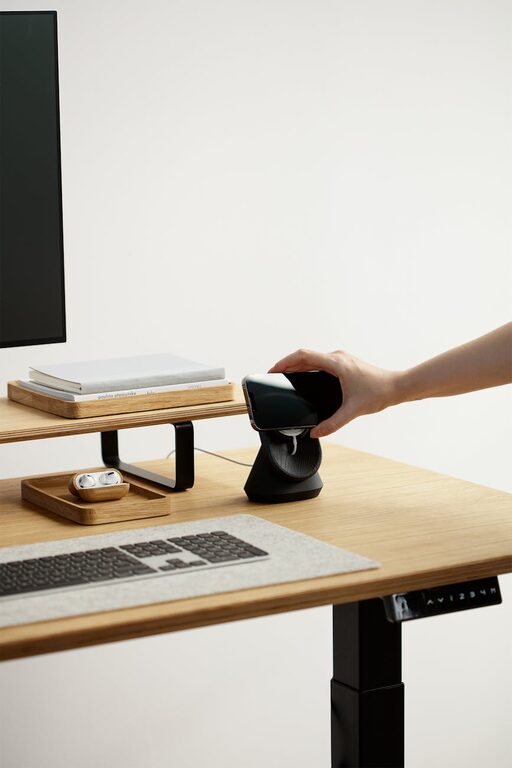
– Adjustable setup: If you spend hours working, an adjustable desk that allows sitting and standing can reduce fatigue.
– Screen position: Keep your monitor at eye level to avoid neck strain.
An ergonomic workspace reduces discomfort and helps maintain focus throughout the day.
Organise and Declutter
A tidy workspace can improve concentration and reduce stress. To create an organised office:
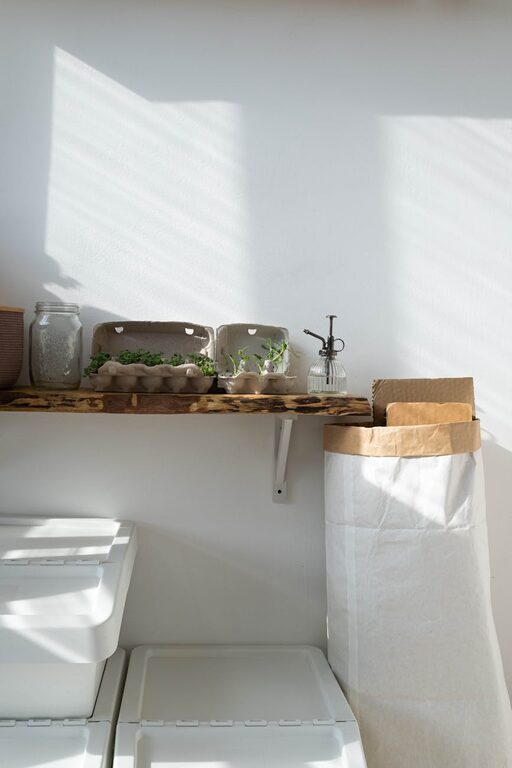
– Use storage solutions: Shelves, drawers, and boxes keep supplies off your desk.
– Regularly clear clutter: Set a weekly routine to clear unnecessary items.
– Cable management: Use clips or covers to organise cables and keep them out of sight.
– Minimalist decor: Keep your desk surface mostly clear to create a calm environment.
Maintaining a clean, organised area keeps distractions down and makes it easier to find what you need.
Personalise Your Space
Adding personal touches can make your office feel welcoming and motivate you to work, but keep it balanced to avoid clutter:
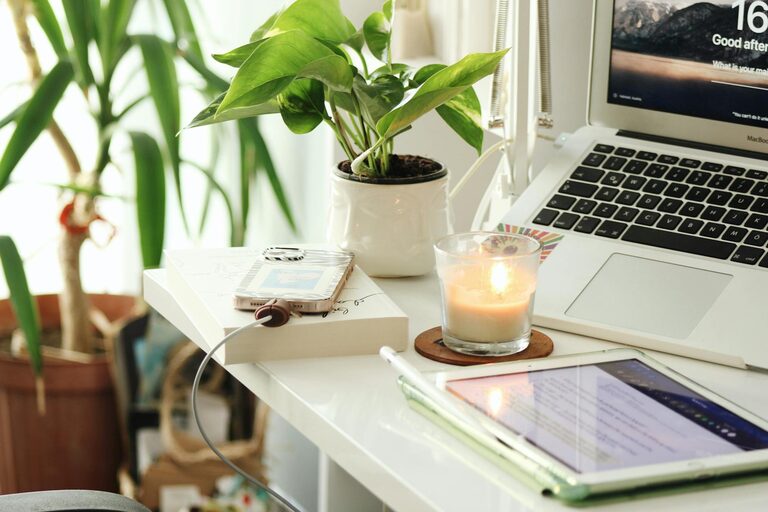
– Plants: Small indoor plants improve air quality and add a calming green touch.
– Art or photos: Choose calming or inspiring images to decorate walls.
– Comfort items: Cushions, a soft rug, or your favourite mug can add comfort and familiarity.
– Inspiring quotes: Place a quote or mantra where you can see it to keep you motivated.
Personalising your workspace helps create a pleasant atmosphere without distracting from work.
Minimise Distractions
Distractions are the enemy of productivity. Here’s how to reduce them in your home office:
– Limit noise: Use noise-cancelling headphones or white noise apps if you can’t avoid background sounds.
– Set clear work hours: Communicate your schedule to family or housemates to reduce interruptions.
– Turn off non-essential notifications: Silence social media, email alerts, and phone notifications during work time.
– Keep a separate device: If possible, use a dedicated work computer to help separate work from home activities.
Creating boundaries helps your brain focus on work and switch off afterwards.
Optimise Lighting and Air Quality
Good lighting and fresh air keep you alert and comfortable:
– Natural light: Position your desk near windows to enjoy daylight, which reduces eye strain and boosts mood.
– Supplement with lamps: Use adjustable desk lamps with soft white light for overcast days or evening work.
– Ventilation: Fresh airflow is vital. Open windows regularly or consider a desk fan or air purifier.
– Avoid glare: Position screens to avoid reflections or bright sunlight that causes eye strain.
Proper lighting and ventilation help maintain energy levels and reduce fatigue.
Use Organised Technology and Tools
Technology can aid productivity when set up efficiently:
– Reliable internet: Ensure your connection is stable to avoid interruptions.
– Essential software: Use apps for task management, calendar scheduling, or note-taking.
– Backup storage: Regularly save and back up your work to avoid data loss.
– Charging station: Keep chargers and cables organised in one spot.
Having an efficient technology setup avoids frustration and keeps you working smoothly.
Develop a Routine
Even with the perfect setup, a routine helps sustain productivity:
– Set regular hours: Start and finish work consistently each day.
– Take breaks: Step away every hour to stretch or refresh your mind.
– Organise tasks: Plan your day the night before with a clear to-do list.
– Limit multitasking: Focus on one task at a time for better quality work.
A reliable routine helps your mind stay organised and ready to work.
—
Creating a productive home office environment takes a little planning but pays off with better focus, comfort, and work satisfaction. By choosing a quiet spot, investing in ergonomic furniture, staying organised, and minimising distractions, you’ll set yourself up to thrive in your remote work.
Remember, small changes can make a big difference, so start with one or two tips and build your ideal workspace from there. Happy working!
About the Author